 coderqh
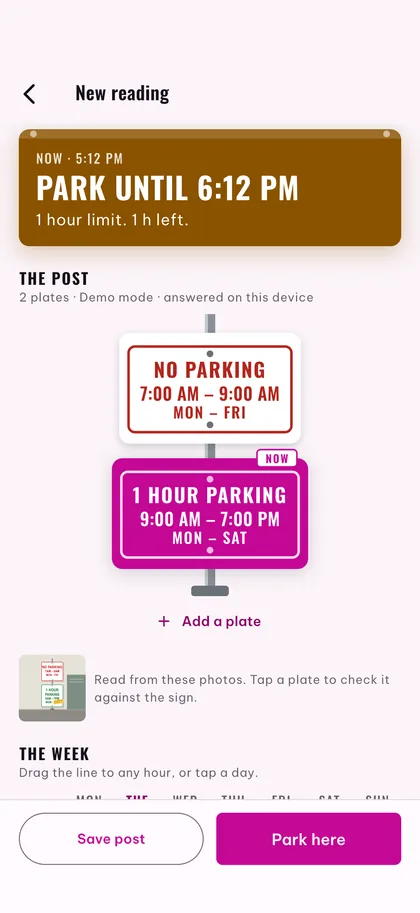
Every plate, on its own post
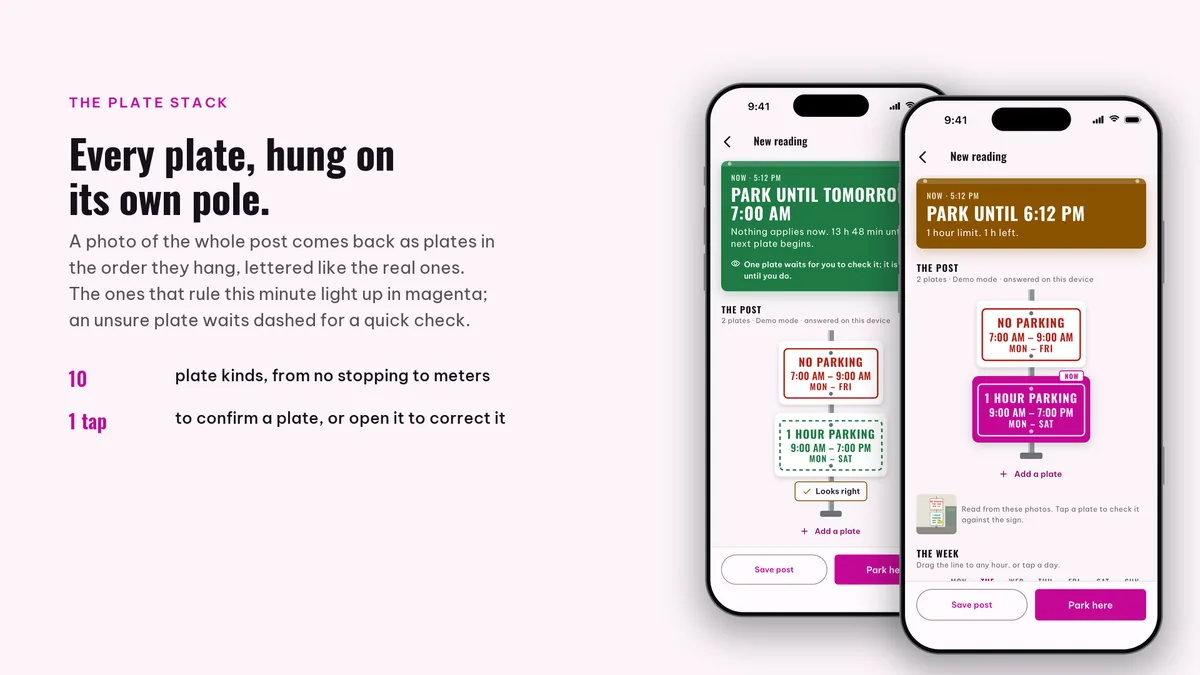
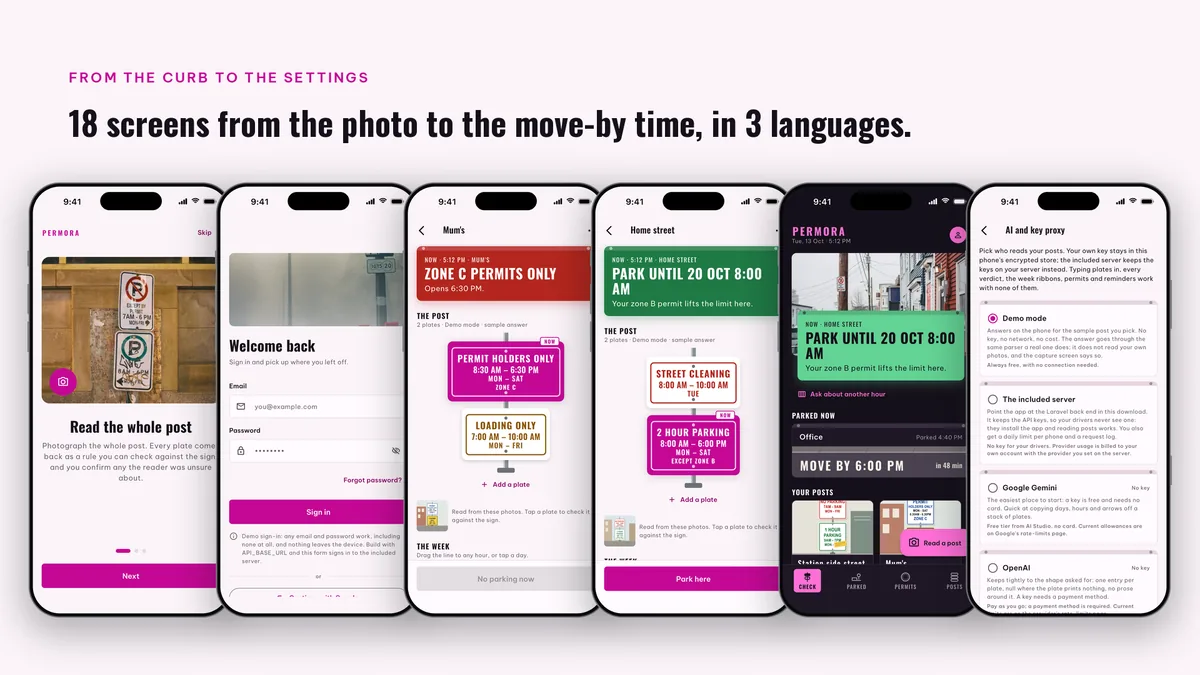
One photo of the post comes back as the plates it carries, hung in the order you see them. The plate that rules right now lights up, and any day, hour or arrow can be fixed with a tap before it counts.
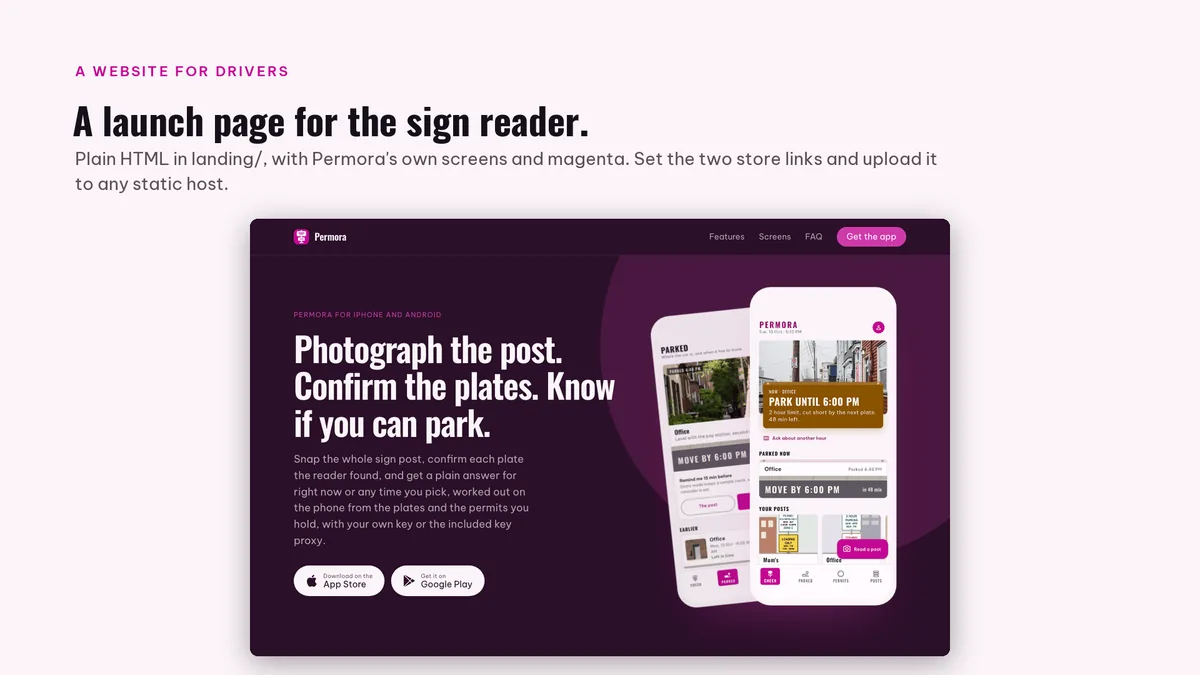
Photograph the post. Confirm the plates. Know if you can park.
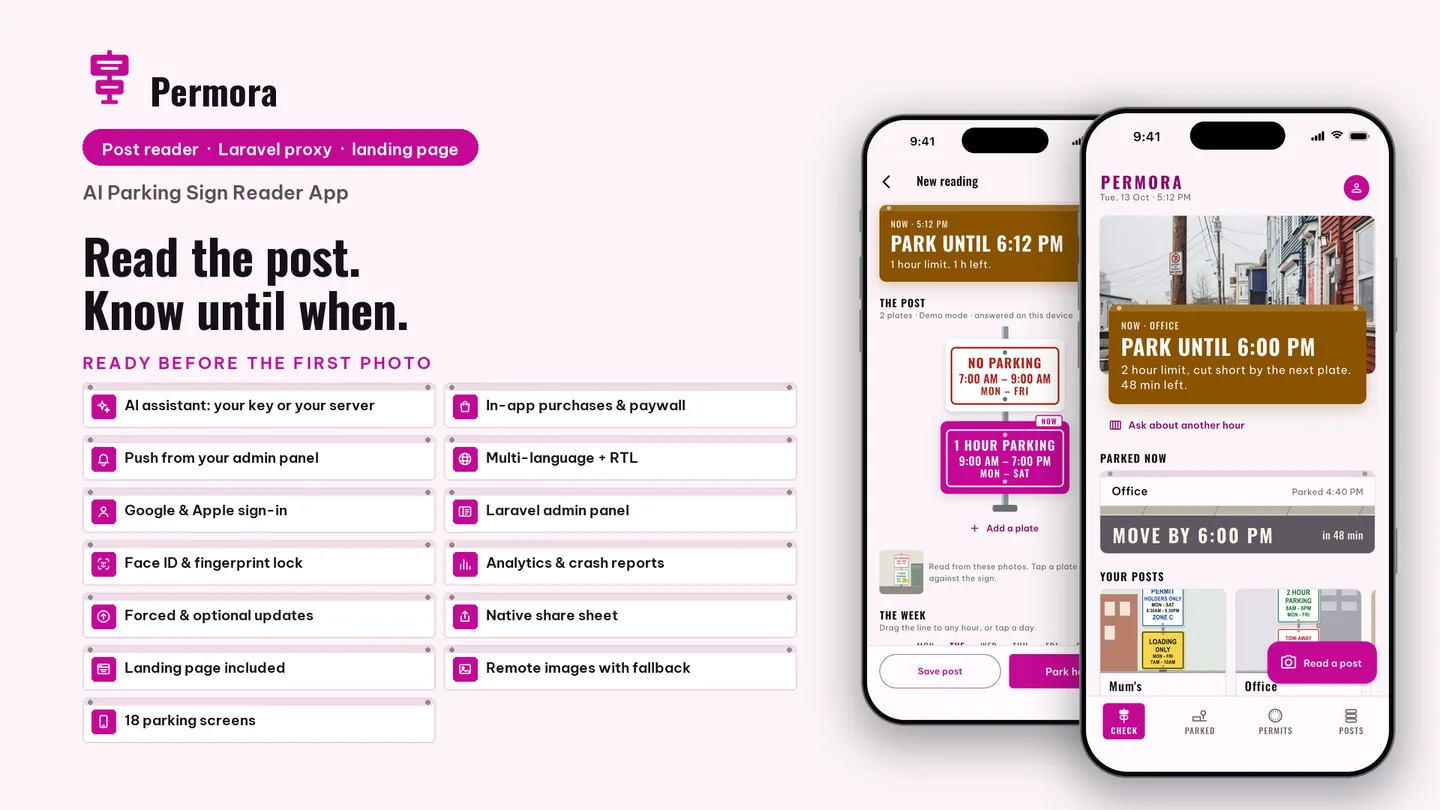
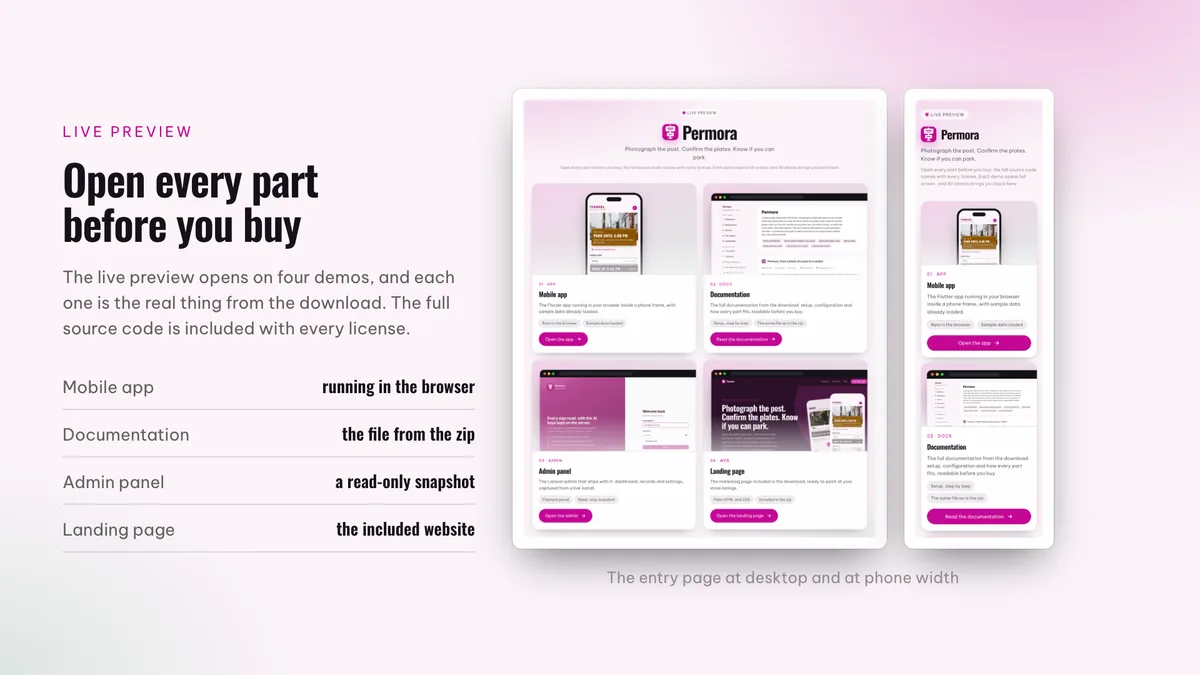
The live preview on CodeCanyon is this app compiled for the web: the real build, not a video.
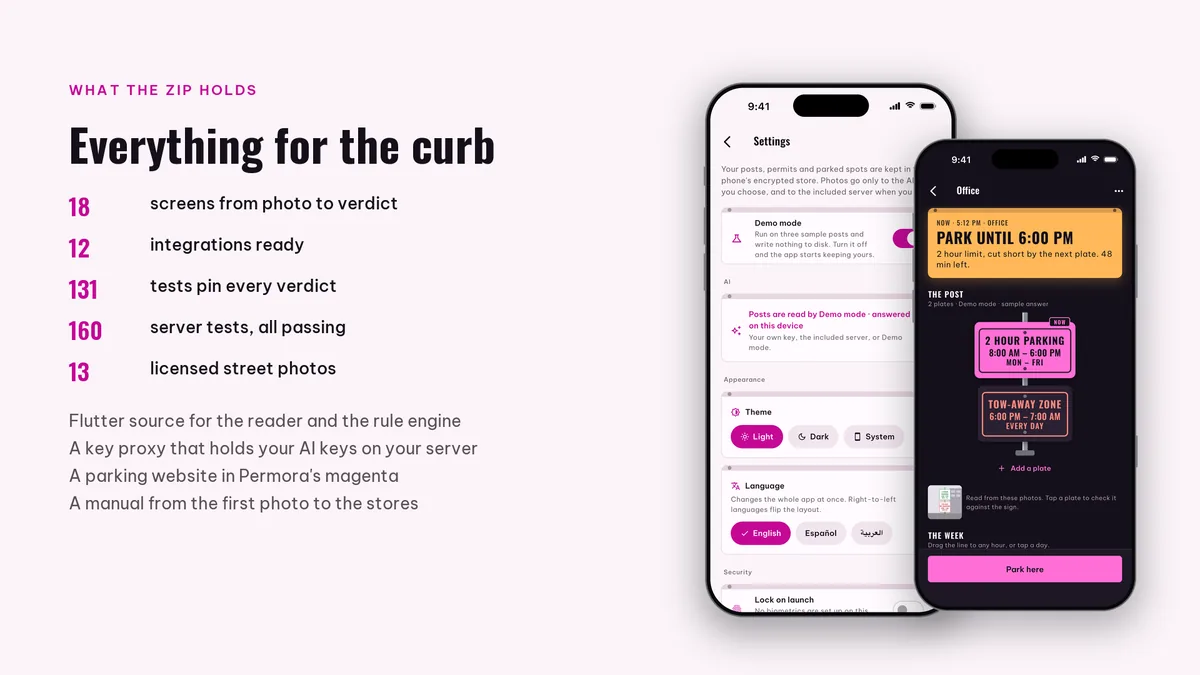
Snap the whole sign post, confirm each plate the reader found, and get a plain answer for right now or any time you pick, worked out on the phone from the plates and the permits you hold, with your own key or the included key proxy.
One photo of the post comes back as the plates it carries, hung in the order you see them. The plate that rules right now lights up, and any day, hour or arrow can be fixed with a tap before it counts.
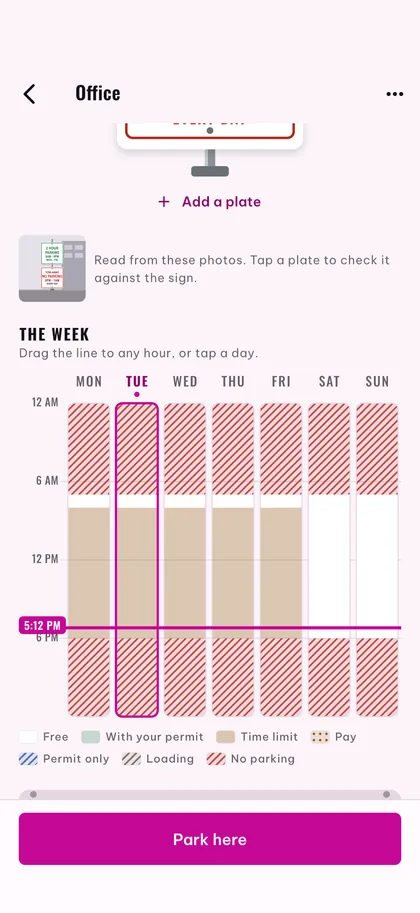
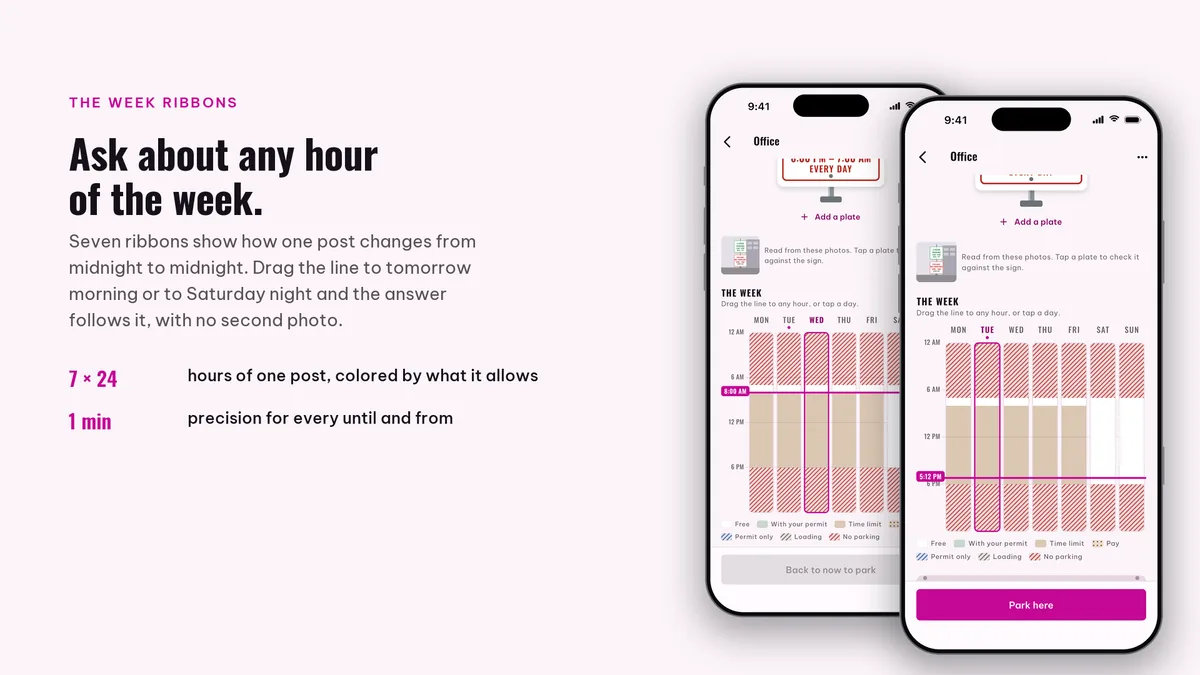
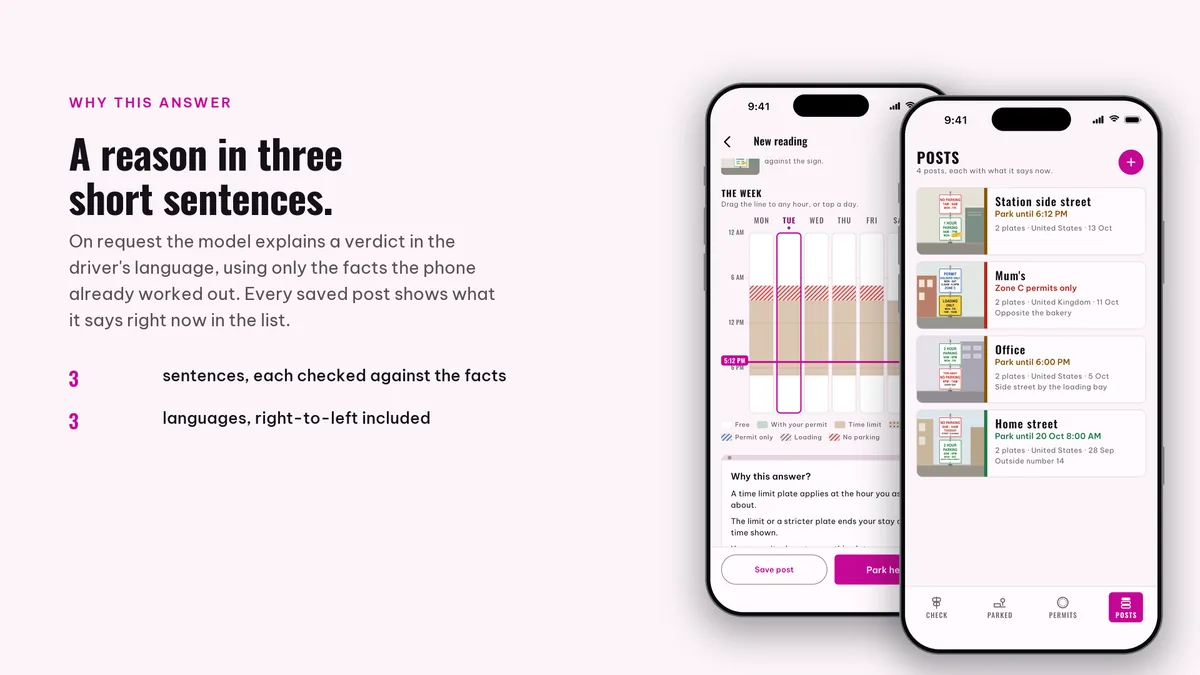
Seven ribbons show how the rules change through each day. Slide the line to tomorrow morning or next Saturday and the verdict rewrites itself on the phone, with no second photo.
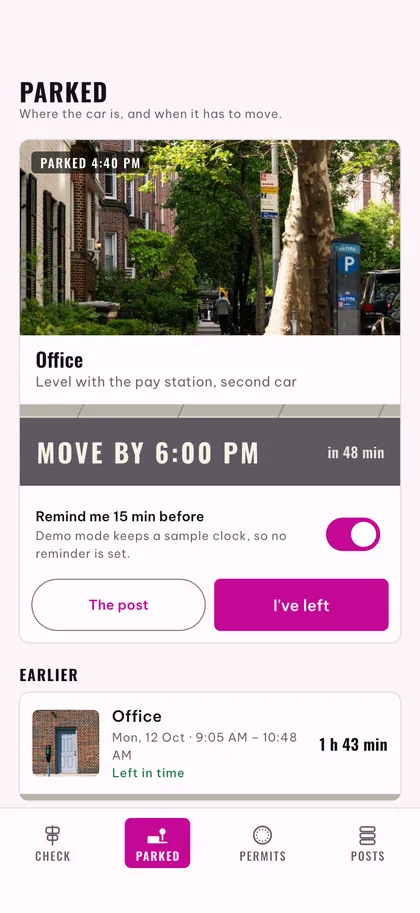
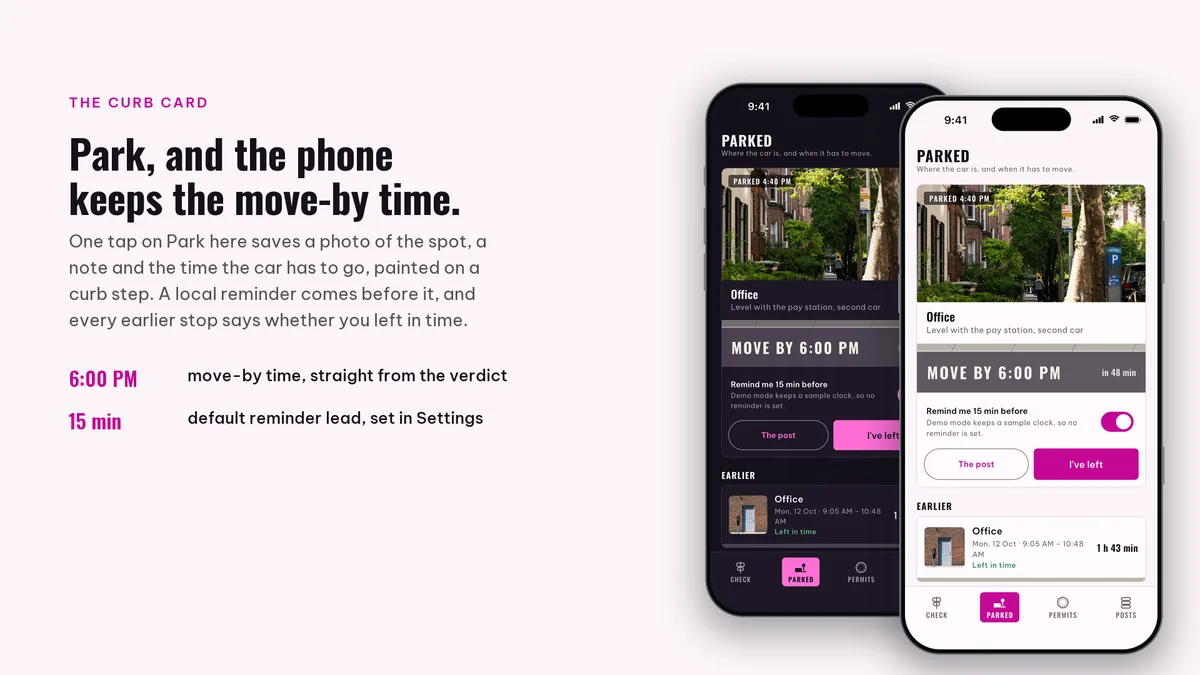
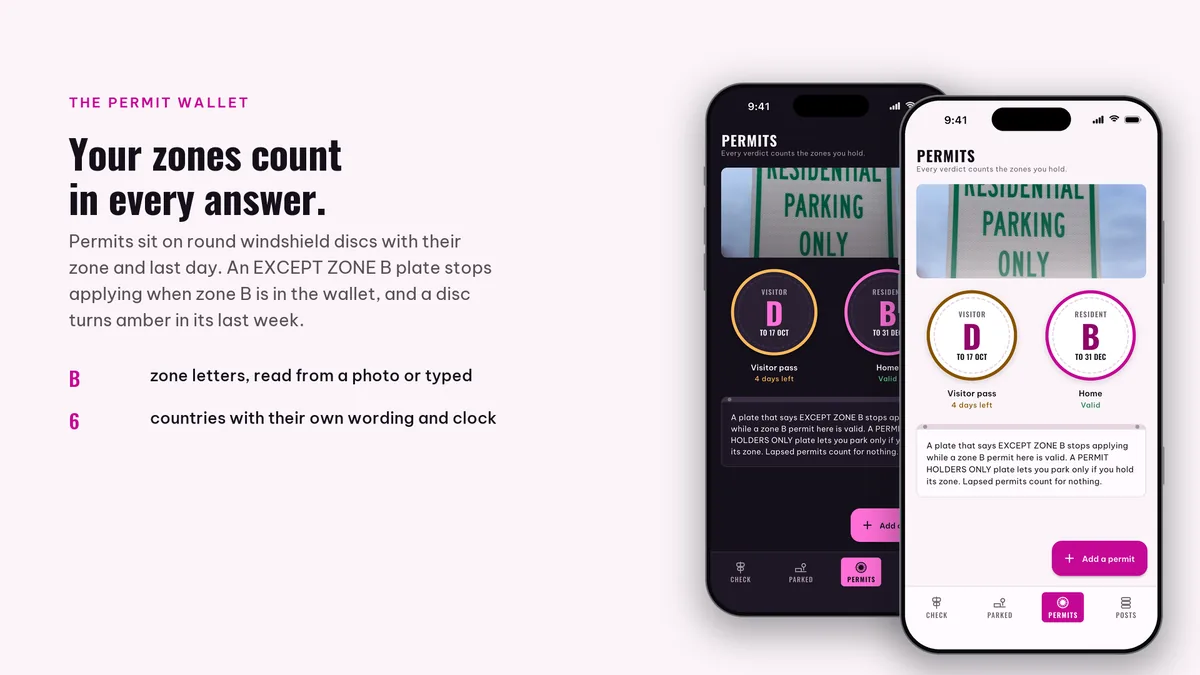
Keep your zone permits in the app and the verdict honors them. Park, and the curb card holds a photo of the spot plus the time you must be gone, with a reminder before it.
# unzip the download, then
$ cd permora_ai_app
$ flutter pub get
$ flutter run
The app runs on its bundled demo data first. The back end has its own README for Docker and for shared hosting, and the app keeps working without it.
| Screen widgets | 17 |
|---|---|
| Dart files | 189 |
| Tests in the package | 33 |
| Dart SDK | ^3.13.0 |
| Back end | Laravel key proxy for the AI providers |
| Platforms | iOS + Android, one codebase |
Counted from permora-v1.0-r2.zip, the file uploaded to CodeCanyon. Screen widgets are the view, screen and page classes in the source, so the number can differ slightly from a count of routes.
Something else? Email support@coderqh.com; the author answers.
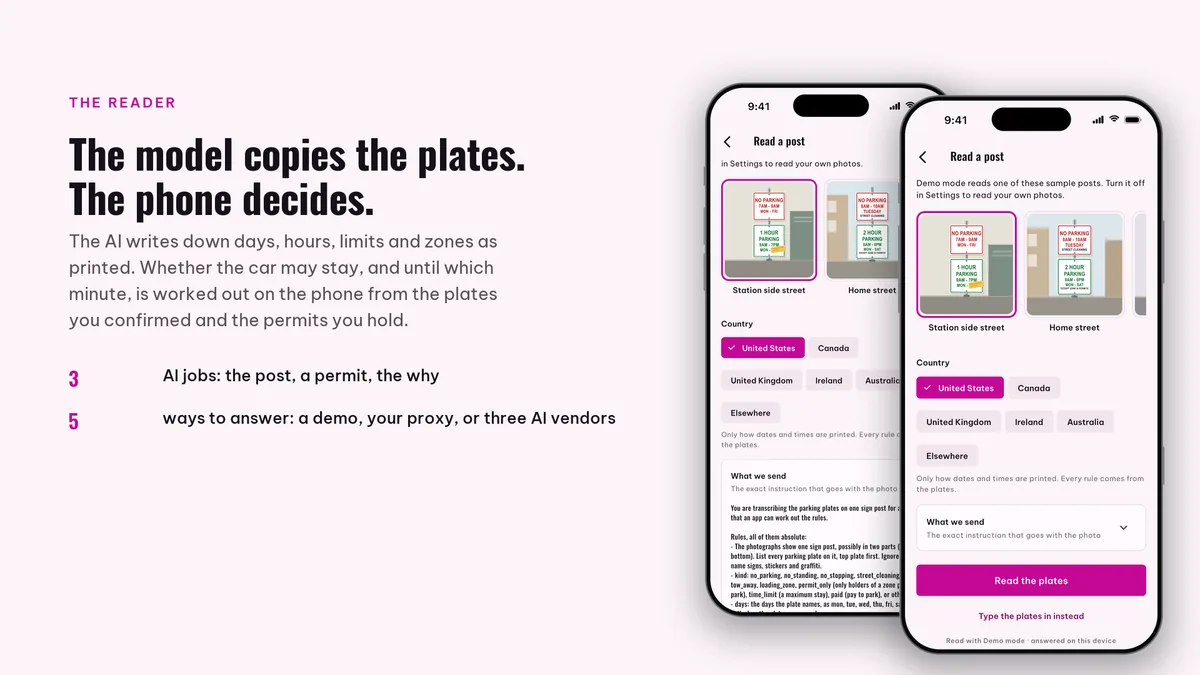
It reads them off the post, so any town works. Pick a country so dates and times are read the way they are printed there, then confirm each plate before it counts.
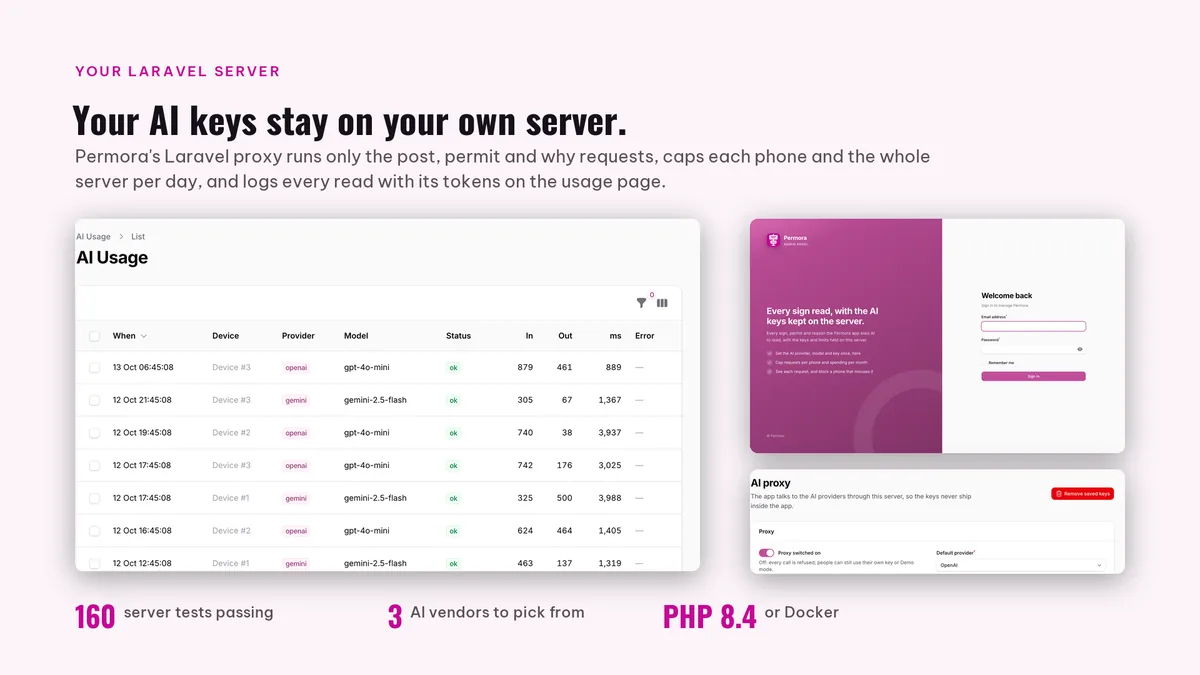
A vision model reads the plates. Paste a Gemini, OpenAI or Claude key into Settings, or point the app at the Key Proxy that ships in the download and keep that key on your own server. Typed-in plates, verdicts, week ribbons, permits and reminders never call a model, and demo mode walks the whole flow on sample posts.
Posts, permits and parked spots are kept on the phone. A post photo goes to the AI route the driver picked to be read; the included server keeps copies of the photos only if the driver switches that on in Settings, and a post photo is passed on to the one model provider you configured; the proxy's log lists each request by device.
Regular licence. Need the Extended licence? Use the button at the top of the page.