 coderqh
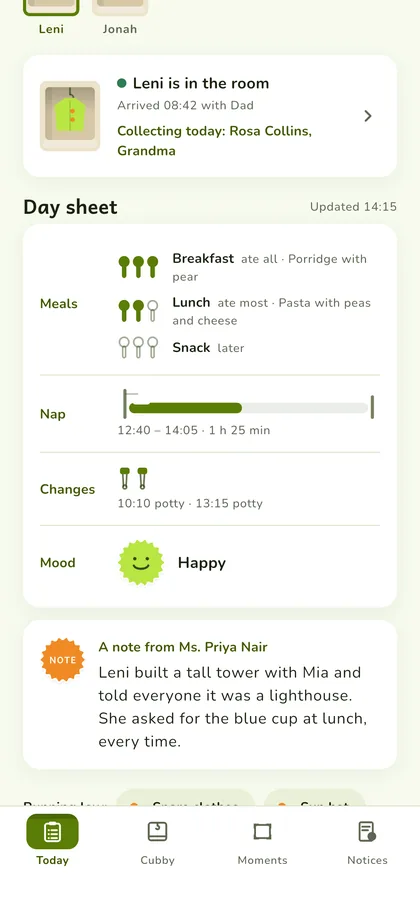
Today's report, as the day happens
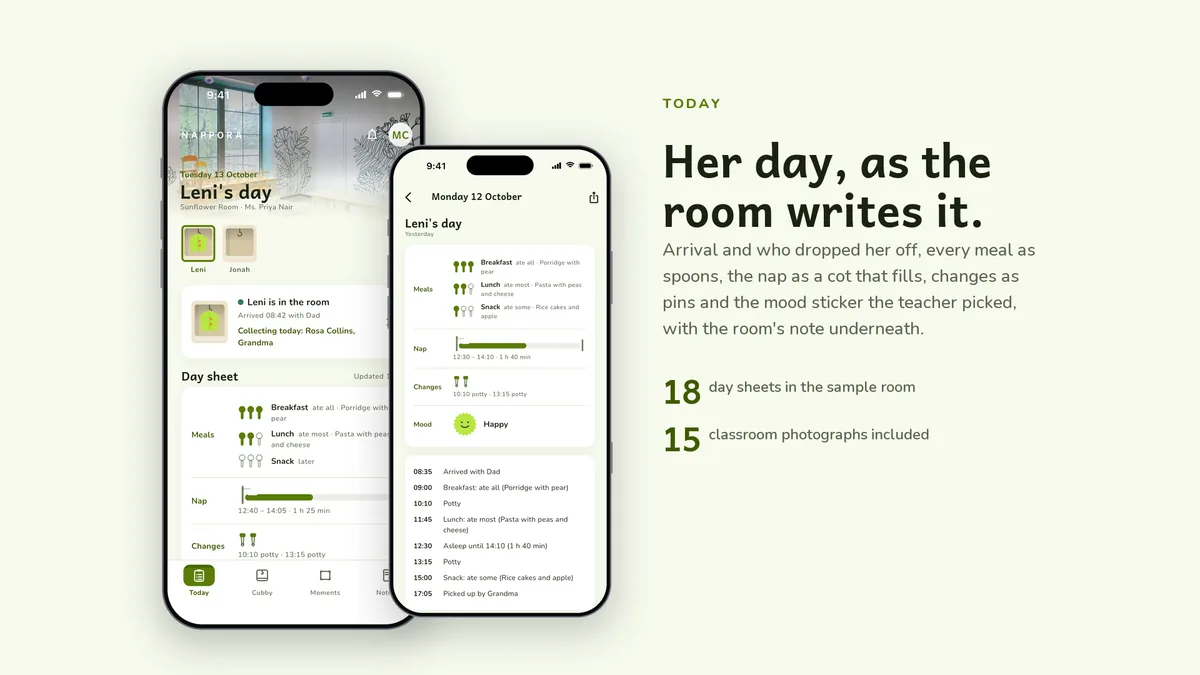
Arrival with who dropped off, every meal as spoons, the nap as a little cot that fills up, diaper changes as pins, and the mood sticker the teacher picked. A note from the room sits underneath.
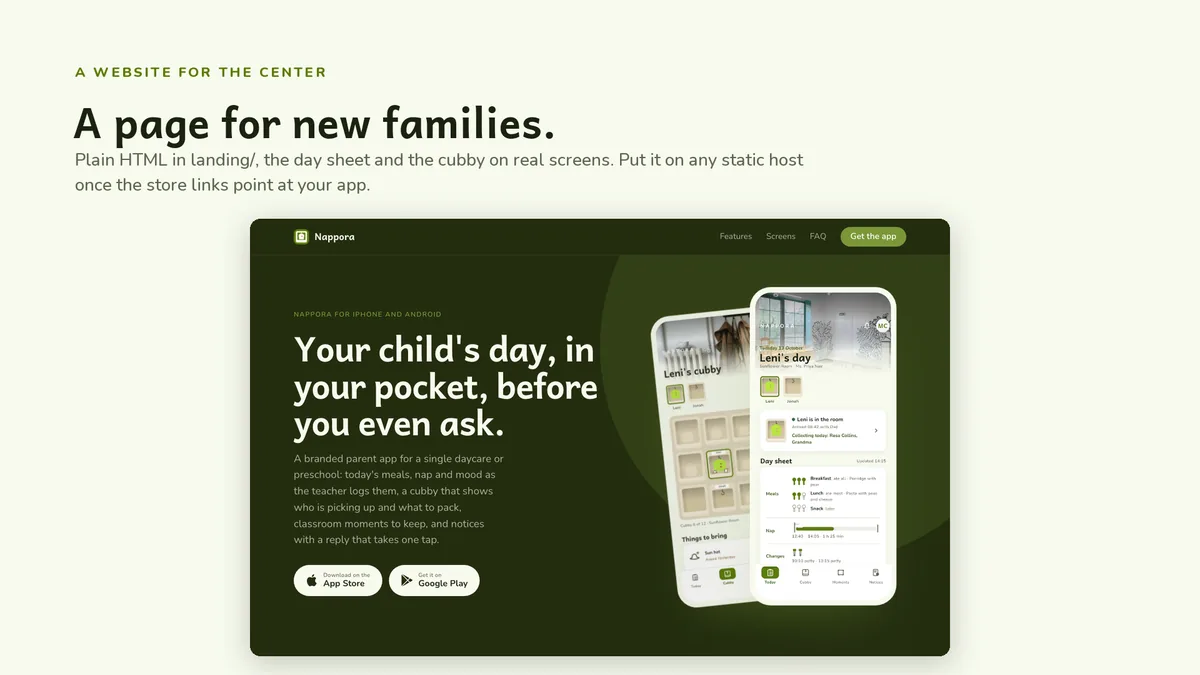
Your child's day, in your pocket, before you even ask.
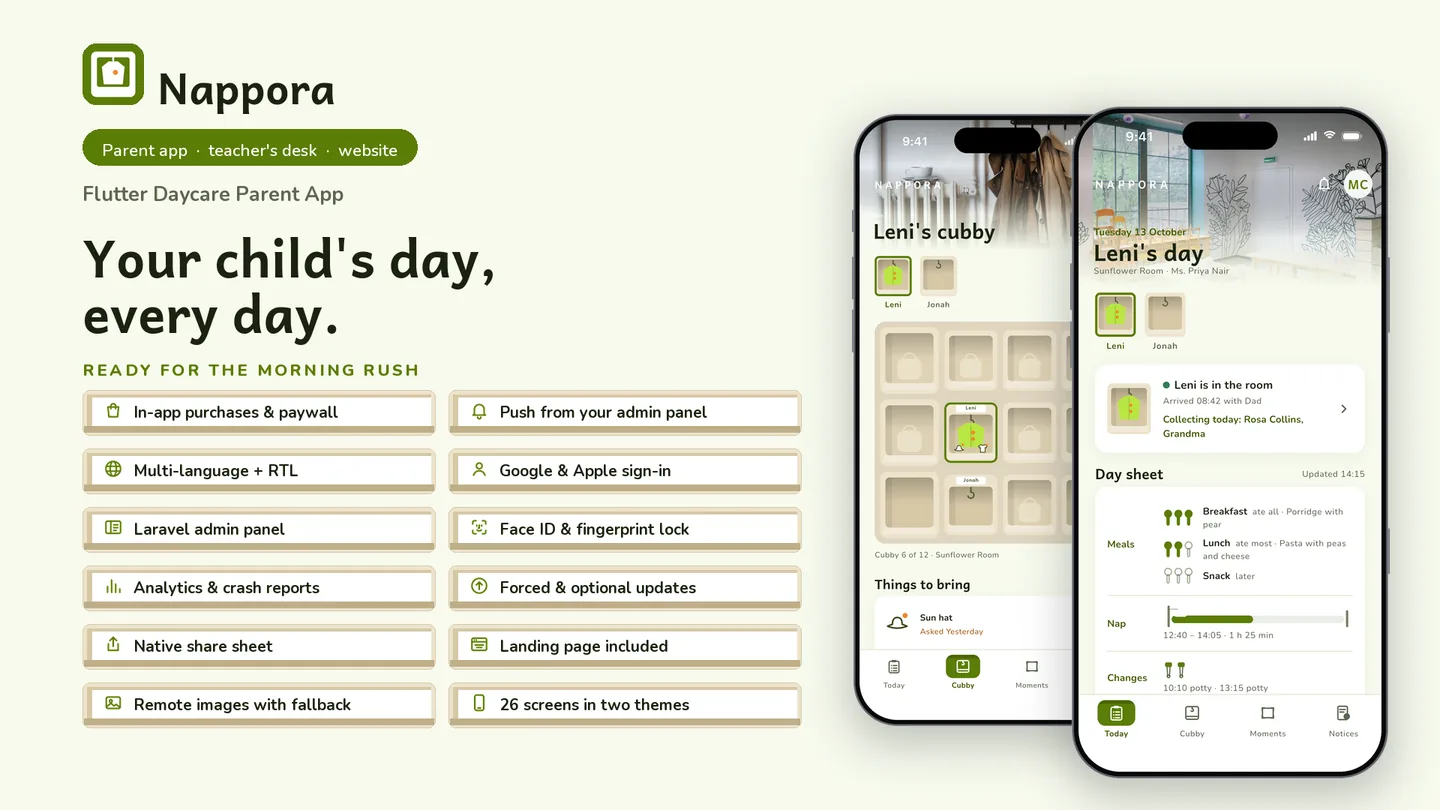
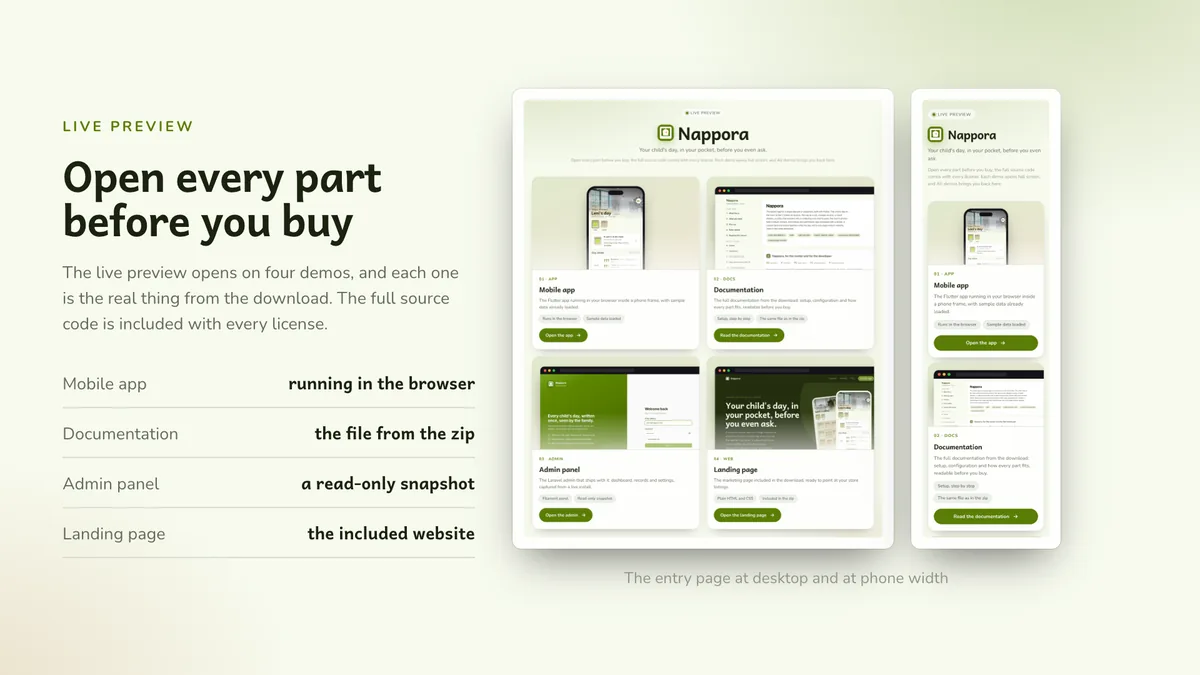
The live preview on CodeCanyon is this app compiled for the web: the real build, not a video.
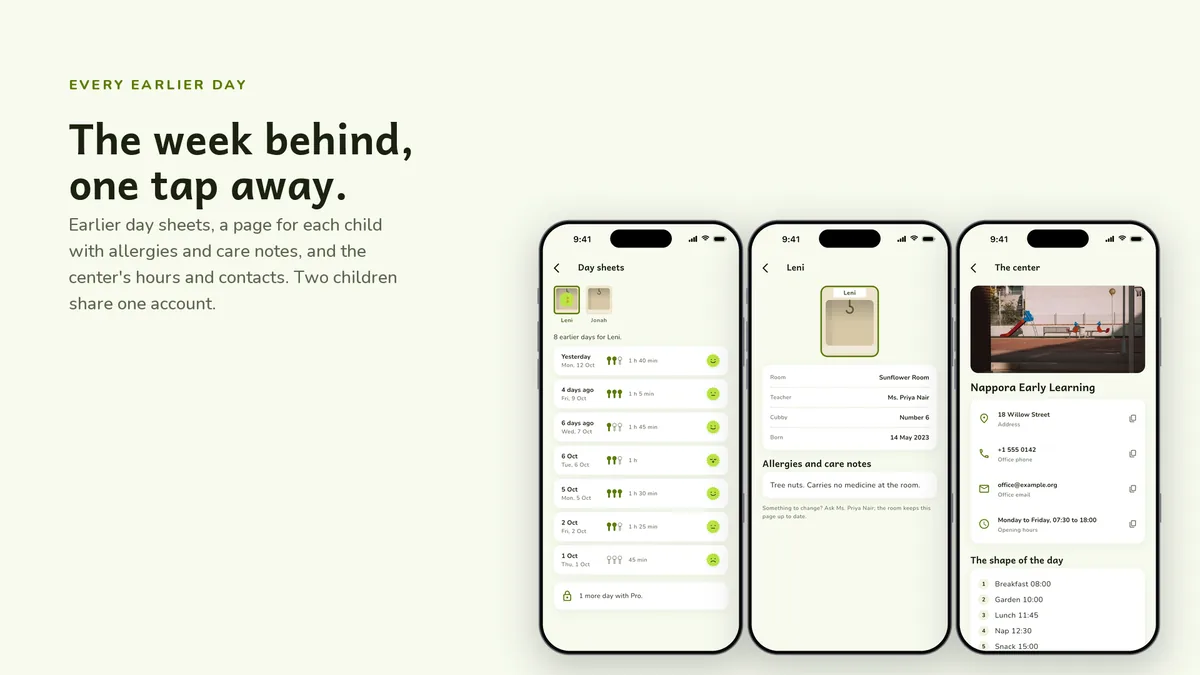
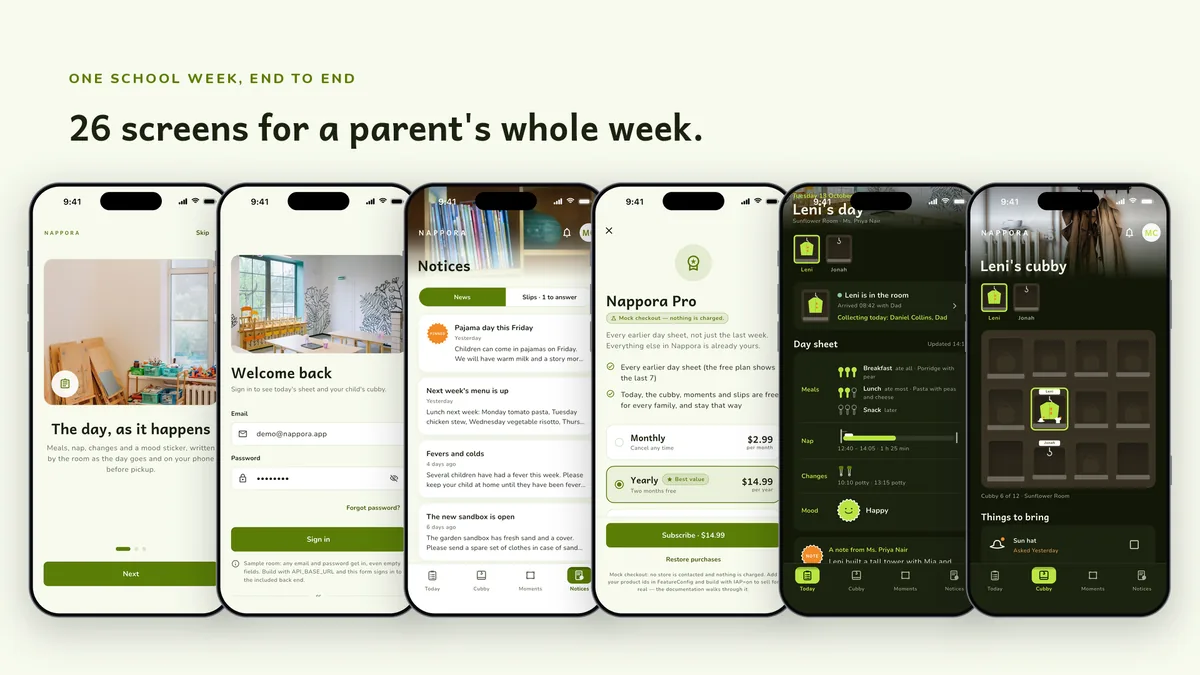
A branded parent app for a single daycare or preschool: today's meals, nap and mood as the teacher logs them, a cubby that shows who is picking up and what to pack, classroom moments to keep, and notices with a reply that takes one tap.
Arrival with who dropped off, every meal as spoons, the nap as a little cot that fills up, diaper changes as pins, and the mood sticker the teacher picked. A note from the room sits underneath.
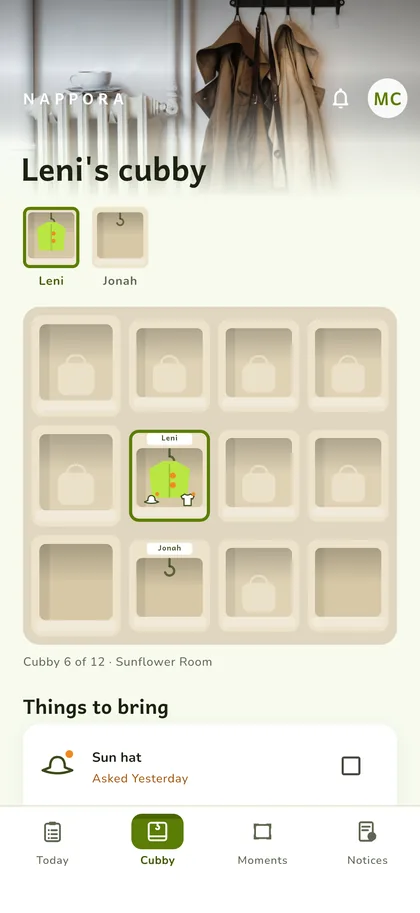
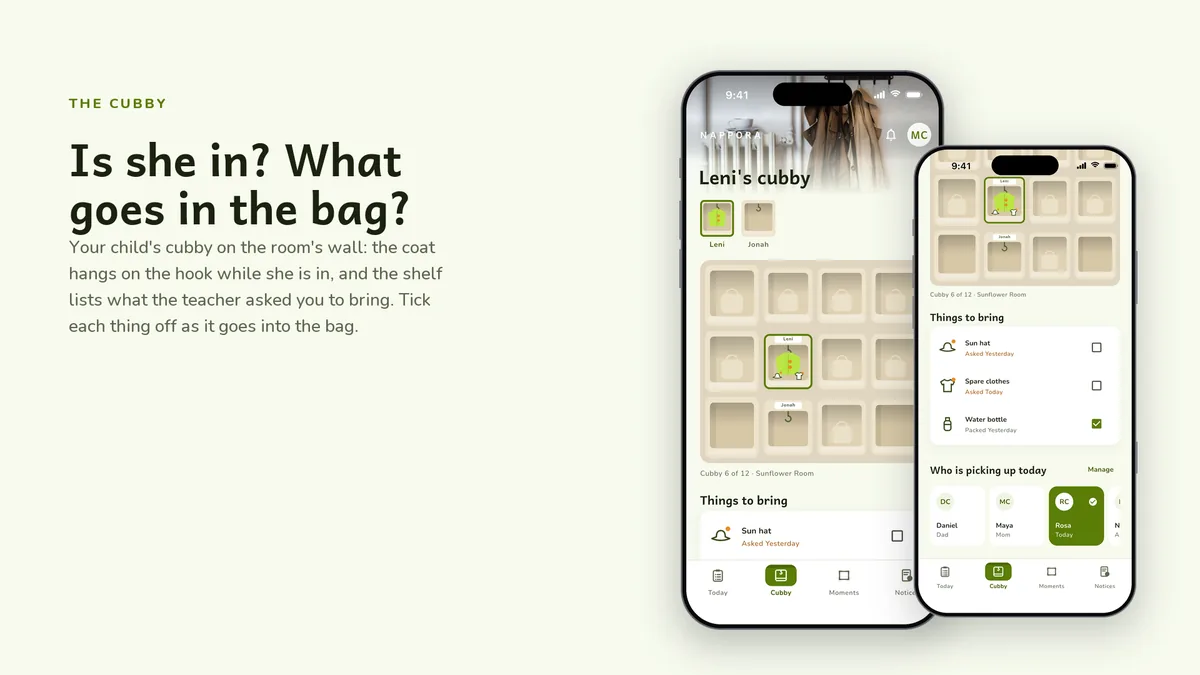
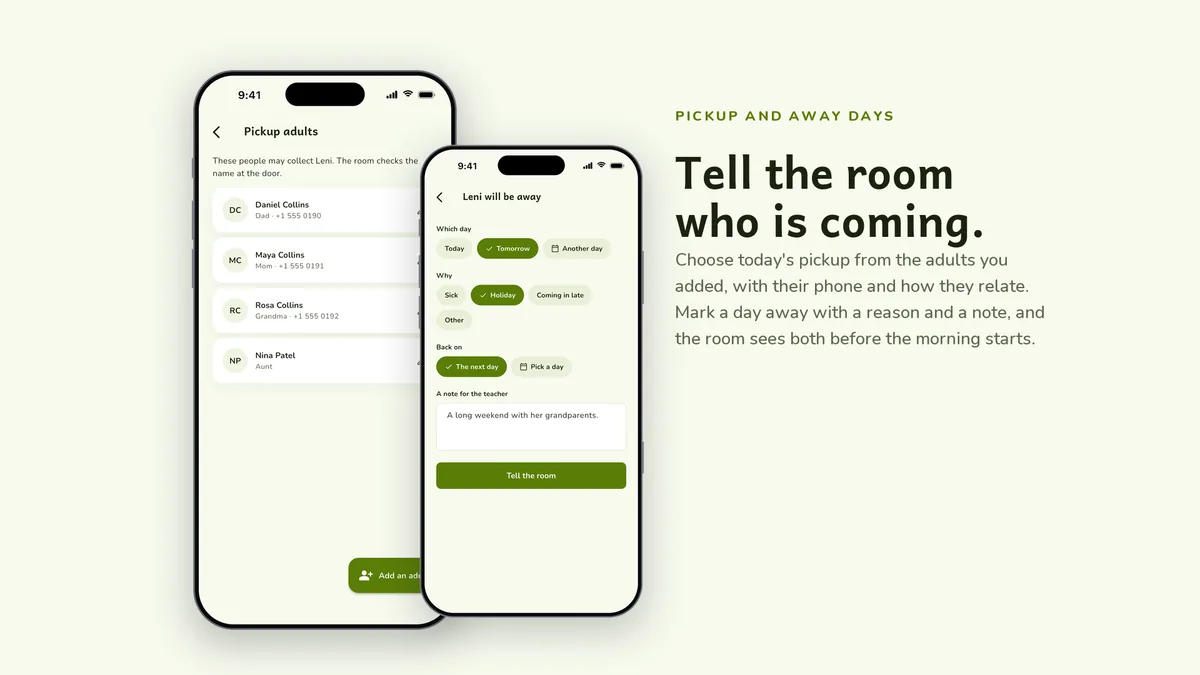
Your child's cubby on the room's wall: the coat hangs when they are in, the shelf lists what the teacher asked you to pack, and you set who is picking up today or mark a day away in one tap.
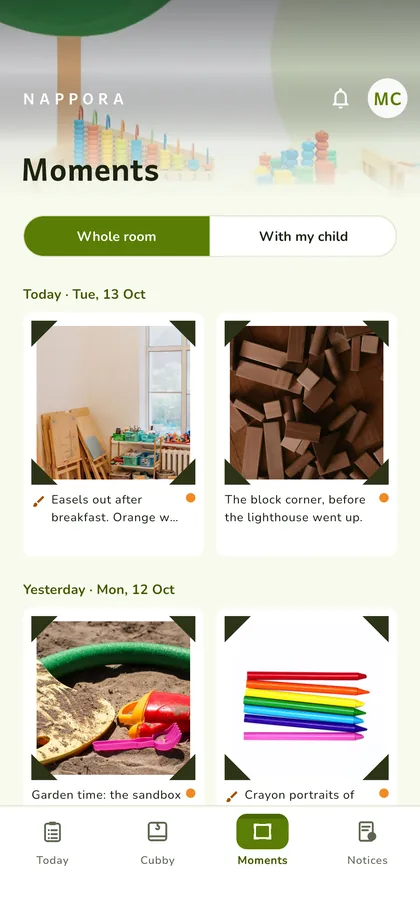
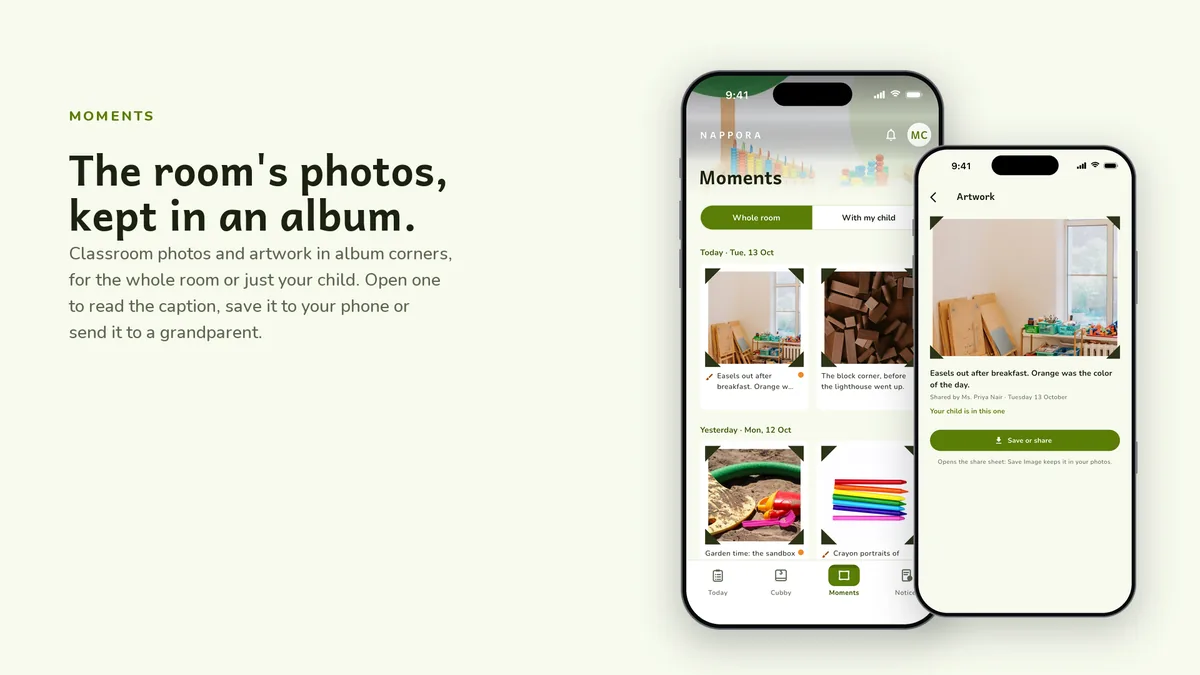
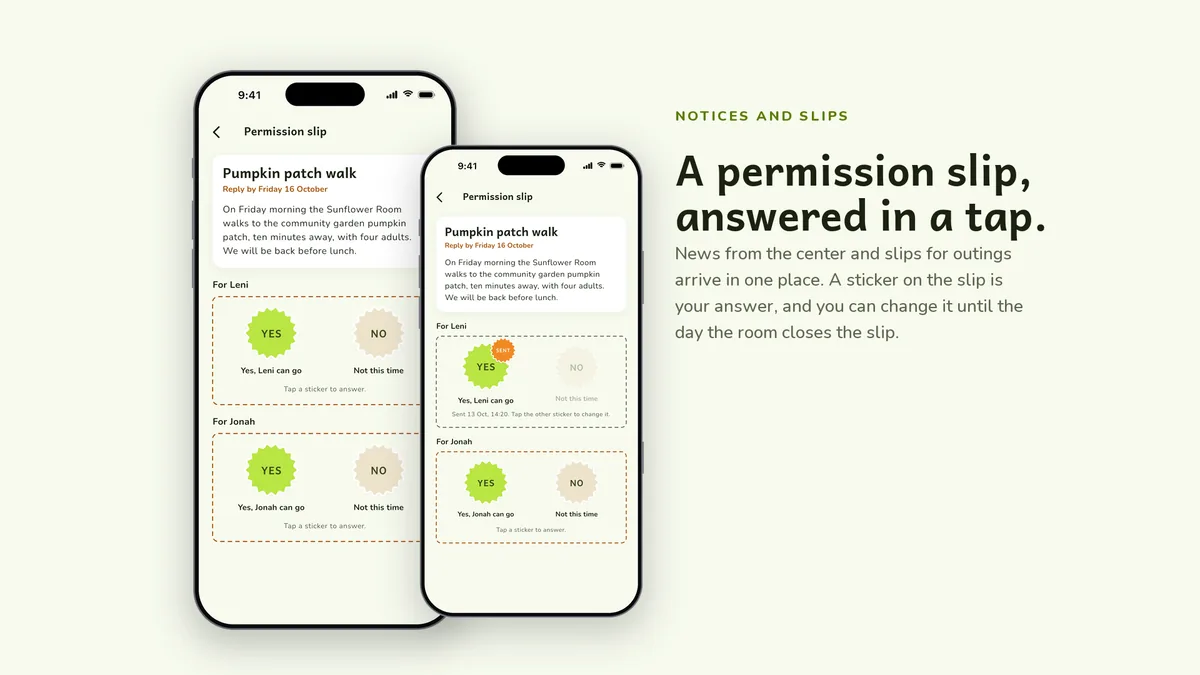
Classroom photos and artwork in album corners, saved to your phone when you want them. Notices and permission slips arrive in the same place, and a sticker on the slip is your reply.
# unzip the download, then
$ cd nappora_ui_kit
$ flutter pub get
$ flutter run
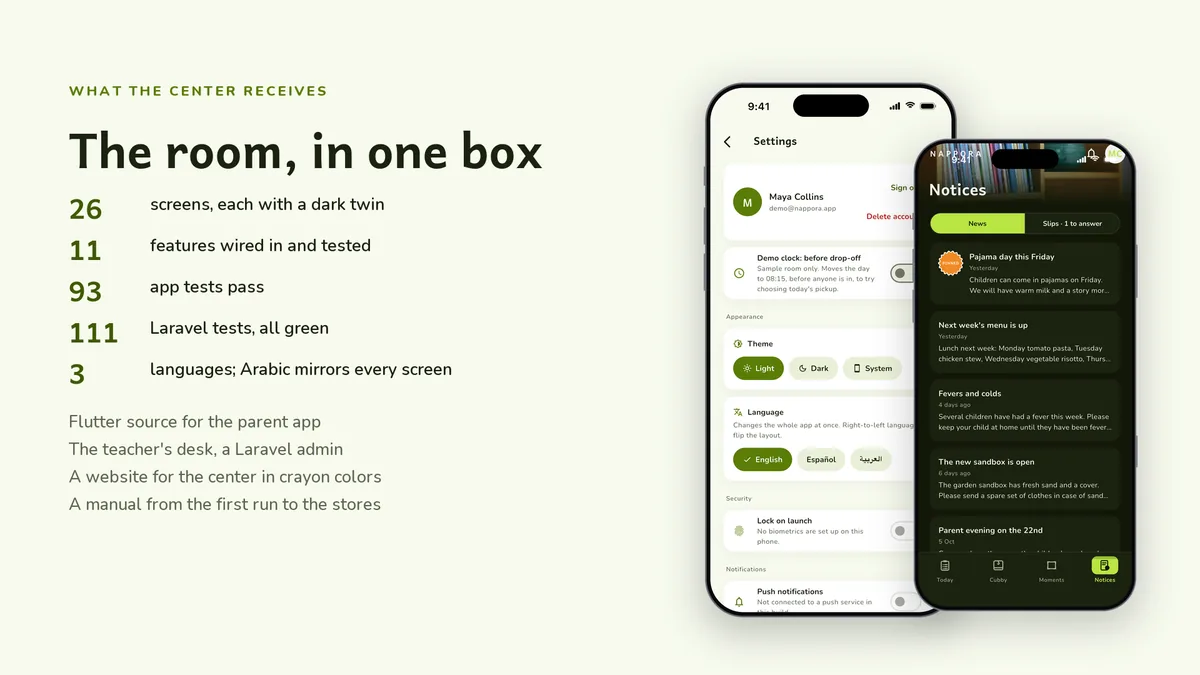
The app runs on its bundled demo data first. The back end has its own README for Docker and for shared hosting, and the app keeps working without it.
| Screen widgets | 24 |
|---|---|
| Dart files | 160 |
| Tests in the package | 28 |
| Dart SDK | ^3.13.0 |
| Back end | Laravel admin and REST API |
| Platforms | iOS + Android, one codebase |
Counted from nappora-v1.0-r2.zip, the file uploaded to CodeCanyon. Screen widgets are the view, screen and page classes in the source, so the number can differ slightly from a count of routes.
Something else? Email support@coderqh.com; the author answers.
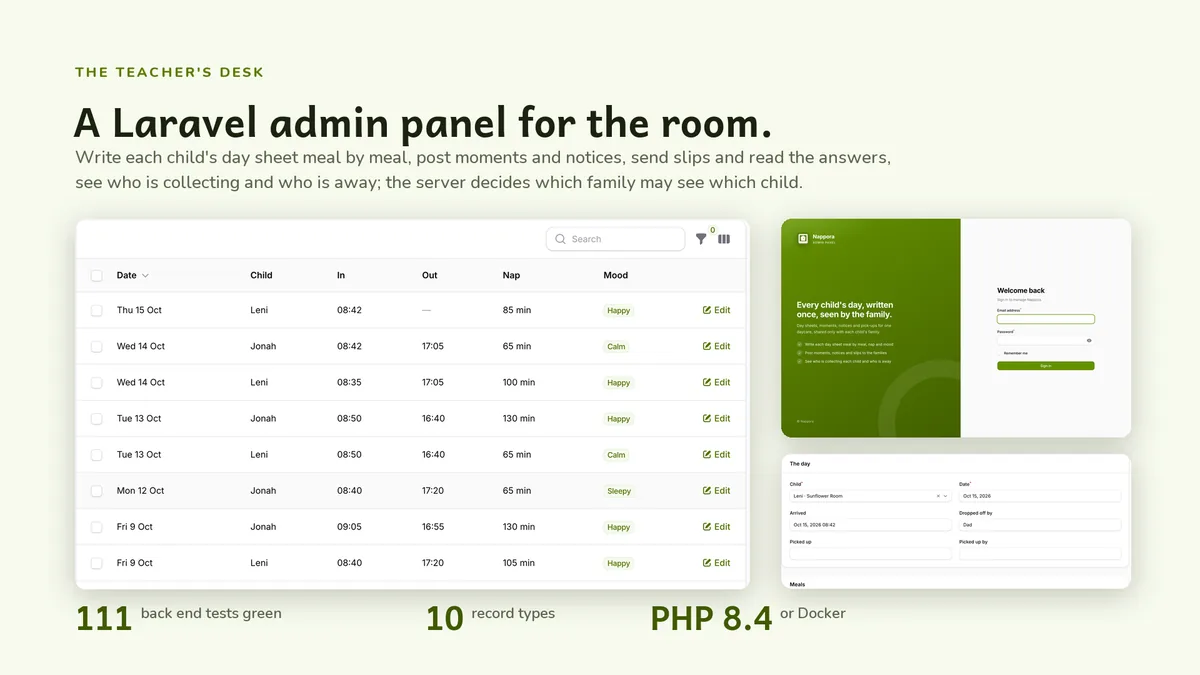
The room's teacher, in the included Laravel admin panel. Parents see it in the app as soon as they open or refresh Today, and demo mode shows a full sample day before you deploy anything.
Yes. Each child has a cubby in the switcher at the top of Today, Cubby and Moments, and reports, pack lists and slips stay separate per child.
Only their own. Reports, pack lists, pickup adults and slip answers belong to the signed-in parent, while classroom moments and notices are shared with the room.
Regular licence. Need the Extended licence? Use the button at the top of the page.